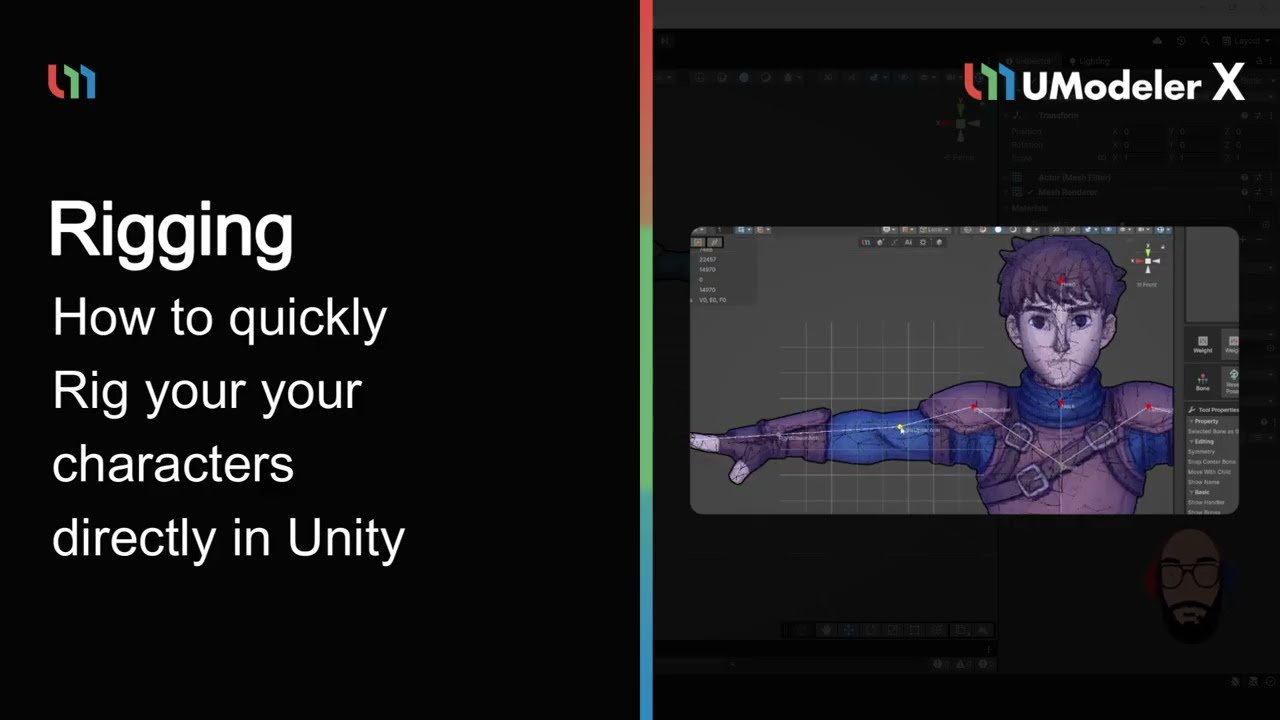
Structured Bone Hierarchy Control
Manage complex skeletal structures easily through the dedicated Bone Tree, which displays a clear hierarchy of assigned bones.
Visual bone tree structure for easy selection
Dedicated Root Bone slot for top-level bone definition
Real-time synchronization with Unity’s Hierarchy tab
Efficient Skeletal Edit And Build Tools
Utilize a specialized toolset within the Bones Group for building, redefining, and editing bone structures to ensure a perfect rig.
Build Bones tool for rapid skeletal generation
Edit Bones tool for adding, deleting, or separating joints
Rebind Poses to redefine default positions and rotations
Expressive Weight Painting And Transfer
Assign influence weights to vertices precisely using professional Weight Group tools and automated systems.
Pressure-sensitive Weight Brush for natural skinning
Weight Transfer tool to reuse weights between similar meshes
Auto Weight and Envelope tools for rapid initial skinning
Seamless Integration With Unity Animator
Fully support Unity’s Humanoid system and Root Motion for high-fidelity character movement and animation.
One-click Humanoid Avatar setup and configuration
Precise Root Bone Setting for accurate animation-driven movement
100% compatible with Unity’s Mecanim and Transform-based motion